



Announcing early access for Jaspersoft Desktop with built-in AI assistant
On November 4, 2026, we are opening it to Jaspersoft Community users as a free, 60-day early access beta. We want to learn what works, what doesn't, and what you need next.
What is Jaspersoft Desktop
Tired of designing reports in an Eclipse window? If you design reports in Jaspersoft Studio, you know the trade-off. Studio is powerful and works with the libraries you already use, but it is built on an Eclipse foundation, and report development still requires extensive technical expertise.
Jaspersoft Desktop is our attempt to change that design experience and make it more approachable and efficient. It is a native desktop application built on the same core as JasperReports Web Studio, with a modern code editor and an AI assistant that works on the report with you. We think it can be valuable to you and your teams, and we want to learn whether it's something you would choose to work with.
What you can do with Jaspersoft Desktop
Build pixel-perfect reports with plain-language prompts
Designing and editing reports becomes simple with the built-in AI assistant. Just describe the change you want, and the assistant applies it to the report, then shows the result in the preview. This allows you to:
- Create a data adapter from a data file you drop in, or start a blank report and let the assistant infer the data structure.
- Add and style fields, sort and group data, and add charts with calculations, without writing the query yourself.
- Fix layout problems and troubleshoot errors by describing them.
- Generate a report template from an example of the output you want: a JSON file, a PDF, or an image of an existing report.
The assistant does not write raw JRXML; it makes changes through controlled operations on the report model, so it cannot hand you a broken report file. You can review and undo changes, choose the model and reasoning effort, set token limits, and decide whether images and PDFs are sent to the model at all.
Work with your preferred AI provider
Desktop works with the AI provider you choose: Anthropic, OpenAI, Google Gemini, DeepSeek, or a local model through Ollama. You bring your own account and key and pay your provider directly.
When building reports, your data stays secure; previews run on your machine, and the built-in AI Assistant sees your data only if you enable it to. If you’re using a local model through Ollama, multiple safeguards prevent your data from being sent to the LLM. Report previews are generated locally and work without an internet connection.
You can also work from your existing AI tools like Claude via a built-in MCP server. If you use the optional visual verification feature with Claude Code, use sample data rather than production data.
Provide a modern environment for developers
The code editor uses the same editor component as VS Code, with expression parsing and variable suggestions. You can have several documents open at once, and you can open existing local folders and Jaspersoft Studio workspaces without maintaining a second environment.
If you run JasperReports Server, Desktop can edit repository items in place, including report units, input controls, queries, subreports, and domains, with no publish step. The server is optional. Desktop also works standalone against reports in ordinary folders.
Desktop supports JRXML 6 and JRXML 7 and runs on macOS (Apple silicon and Intel), Windows 64-bit, and Linux. It bundles the JasperReports Library community edition, so there is nothing extra to install.
Notes for getting started
Early access is free and does not require a commercial license; all you need is a Jaspersoft Community account. Your trial license lasts 60 days from activation. After that, Desktop stops working but stays installed, and your Community downloads and the reports you created are not affected.
Early access collects usage telemetry, with a first-run notice and consent. It does not collect report content, data, queries, file names, paths, AI prompts, or AI responses.
What we're asking for
Tell us what works and what doesn't. Which reports did you try to build? Where did the assistant save you time, and where did it get in the way? What is missing before you would use Desktop for real work?
You will see various methods for collecting feedback, from email surveys to in-product prompts, even posts on the Community forums.
Have questions or need technical support? Go to the Community forums. There are no formal support cases for generating hotfixes during early access.
Sign up now to get started
- Sign in with your Jaspersoft Community account, or create one.
- Go to the Community downloads area and sign up for early access.
- Download the installer for your platform and start your 60-day trial.
Sign up for early access and get started today!
Ready to give it a spin?
Start your 30-day trial now.

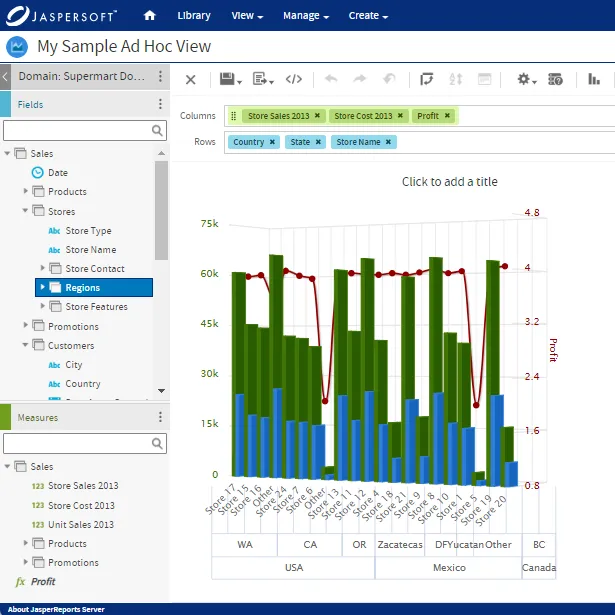
Try Jaspersoft - Free Trial
Efficiently design, embed, and distribute reports and dashboards at scale with Jaspersoft.
Build versus Buy: An In-depth Guide
This whitepaper provides a framework for the decision-making process and critical trade-offs between building or buying an embedded BI and reporting tool.
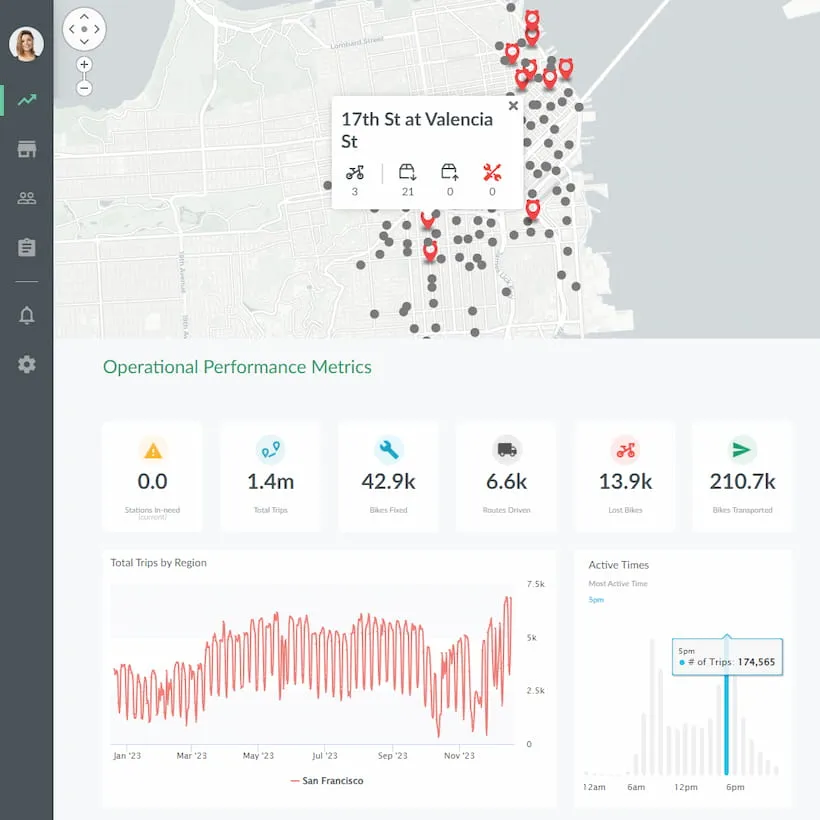
Interactive demo: Bikeshare Embedded BI, supported by Jaspersoft
Experience how to turn data into valuable insights that you and your customers can use to make better decisions.
