



Types of management information system reports
Management information system (MIS) reports are created when the MIS collects data from various parts of an organization, such as accounting software, bank feeds, inventory records, and sales systems, and then presents it in a clear, consistent format that managers can easily use to make decisions.
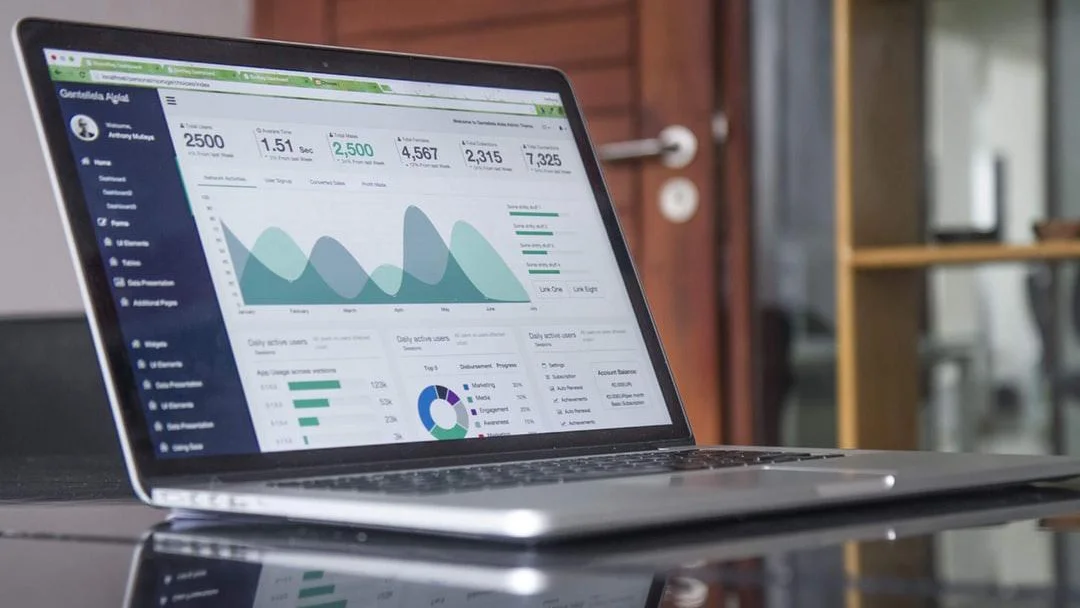
Unlike raw data exports, MIS reports are summarized specifically for a decision. They are also produced on a fixed schedule, such as daily, weekly, or monthly, so teams can compare between periods. Further, they're matched to their readers — for example, the owner of a business gets monthly cash-flow trends, while an operations manager gets daily order and stock figures.
Increasingly, these reports aren't generated by a separate system at all. They're embedded into the software that produces the data in the first place, such as the accounting platform, the inventory system, and the sales tool. That raises a real question for the companies building that software: should they build a reporting engine in-house, or license one designed to be embedded into their product?
To help you decide, this guide covers different MIS report types and the criteria for choosing a modern data reporting platform.
What are management information system reports?
MIS reports are organized documents that highlight an organization’s performance. They’re created by gathering accurate, up-to-date data from different systems and departments, such as financial systems, production databases, and customer relationship management (CRM) software.
MIS reports help businesses operate efficiently and make informed decisions by turning past and current data into clear, organized summaries shared regularly. Dashboards and analytics have similar goals but differ in approach: dashboards display live data and key figures through quick, visual charts on a single screen, while analytics use math and statistics to uncover deeper patterns and predict future trends.
MIS reporting can be done manually or automatically. Manual reporting often takes a lot of time, with people exporting CSVs, tracking down team spreadsheets, and piecing together files by hand. This process carries a high risk of transcription mistakes and broken formulas.
That’s why automated MIS reporting is a smarter choice. It’s faster, syncing and pulling data through database connections or application programming interfaces (APIs), and delivering reports instantly or on a set schedule. Plus, it eliminates transcription errors by using consistent, standardized rules across all data sets.
There are three types of MIS reports: operational and transactional reports for day-to-day management; financial and regulatory reports that require accuracy and governance; and exception and performance reports for proactive decision-making.
Operational and transactional reports for day-to-day management
Operational and transactional reports track the day-to-day mechanics of a business, such as sales by rep or region, inventory levels, service ticket volume, and workflow completion rates. These reports run at high frequency since the decisions they support can't wait.
Some of this reporting must happen in real time. For example, a warehouse manager checking stock before approving a shipment needs real-time data since they can't work off yesterday's numbers. But other functions can run as part of scheduled operational reporting — for instance, a weekly sales rollup.
To save time, use parameters and filters to customize report templates for each user role. This way, teams avoid creating separate reports for every region or role, and users can pull the same template and filter it to their own data.
Financial and regulatory reports that require accuracy and governance
Financial and compliance reports follow stricter rules than operational ones. Case in point: a balance sheet or a regulatory filing carries legal weight, so there's no room to round off or estimate the way you might on an internal summary.
The layout has to be exact too. Regulators and boards often expect a specific format down to the line item, so a reporting platform needs to produce pixel-perfect output.
Finally, look for access controls and audit trails in your reporting platform. Access controls let you control who can view or generate sensitive data, and audit trails provide a clear record of that process, so you can show an auditor you're actually compliant.
Exception and performance reports for proactive decision-making
Not every report is about summarizing what has already happened. Key performance indicator (KPI) reports track performance against targets, variance reports show the gap between plan and actual, and threshold-based monitoring flags a metric the moment it crosses a defined threshold.
Together, these reports are called exception and performance reports. With advanced alerts that trigger instantly and direct notifications to the right people, these reports help teams respond faster and more effectively.
Choosing a reporting platform for enterprise MIS reporting
These report types can significantly help you make better decisions, but they only work at scale if the reporting platform behind them is built for them.
If your platform needs a developer to create a new report from scratch for every department, it won’t scale once you’re managing dozens of report types across the organization. With reusable report designs, teams can build a single template and use it across the organization.
This approach, called parameterized reporting, allows the same sales report to work for every region and manager by letting each person filter it to their own data. It also enables self-service, so business users can get what they need without having to send every request through IT.
Your platform should also include robust distribution controls for automated report delivery, so you can decide who receives which report and in which format. Governance and security controls further limit who can access the underlying data in the first place, so self-service won't turn into a data exposure risk.
Building a platform like this from scratch can be resource-intensive, so it's worth considering an already vetted, tested platform like Jaspersoft. It supports custom report requirements and more — all built to embed directly into the systems you already run. See how Jaspersoft fits your stack today.
Ready to give it a spin?
Start your 30-day trial now.

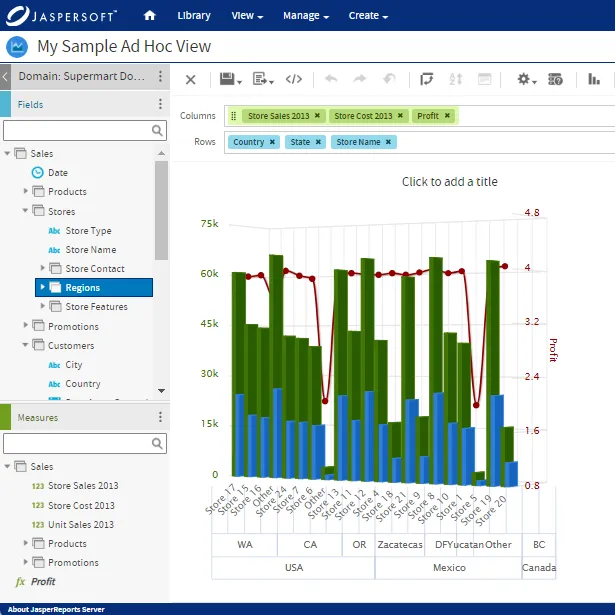
Try Jaspersoft - Free Trial
Efficiently design, embed, and distribute reports and dashboards at scale with Jaspersoft.

Build versus Buy: An In-depth Guide
This whitepaper provides a framework for the decision-making process and critical trade-offs between building or buying an embedded BI and reporting tool.
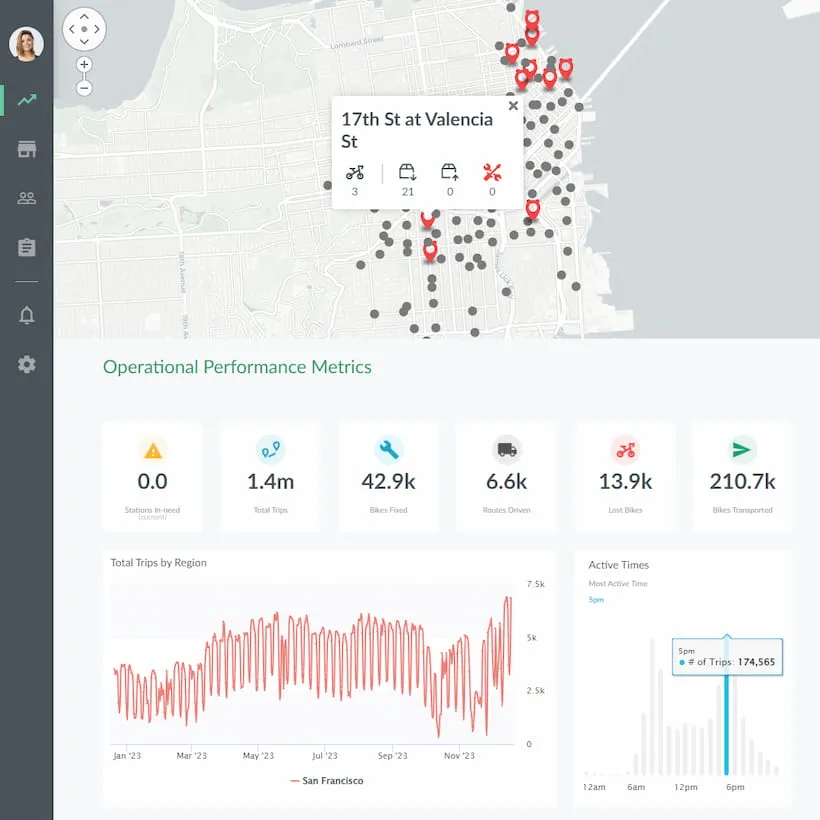
Interactive demo: Bikeshare Embedded BI, supported by Jaspersoft
Experience how to turn data into valuable insights that you and your customers can use to make better decisions.
