



Microsoft Power BI embedded analytics: Evaluation guide
If you need to put interactive business intelligence (BI) charts, reports, and dashboards into custom web apps or websites, Power BI Embedded is one of the most common starting points. This Microsoft Azure service lets you display data within your own software without requiring your users to log in to Power BI or purchase additional user licenses.
But Power BI Embedded isn't the only enterprise option, and the right choice depends on more than the available features. Here are five criteria to assess before you commit to an embedded analytics reporting platform.

Architectural integration and white-labeling capabilities
Power BI Embedded offers embedding via iframes and JavaScript SDKs, and its "app owns data" mode lets your application authenticate independently, so end users never log in to Power BI directly. But the underlying content still has to live inside a Power BI workspace tied to Azure capacity, which keeps your reporting layer anchored to Microsoft's object model even when your front end is fully custom.
An API-first platform takes a different approach. Instead of tying your reporting layer to a particular object model, it exposes the reporting functionality as a set of callable endpoints and components, letting your developers decide how much of the platform's default UI to use versus rebuild.
This distinction is what makes real white-labeling possible. While surface-level customization, like swapping a logo or changing an accent color, is available on most platforms, full white-labeling goes further. It uses CSS to control typography, spacing, and layout down to the component level. As a result, the reporting module follows your design system's rules rather than the vendor's defaults.
For companies building a reporting feature into a commercial product, this granular white-labeling ability isn't just cosmetic. A reporting layer that looks native strengthens the product. In contrast, one that looks bolted on undermines trust in the rest of the interface, especially for enterprise buyers evaluating the product for their own customers.
Before selecting a platform, ask for a working sandbox and test CSS overrides against your actual design tokens, not the vendor's demo theme. That's the fastest way to find out whether "white-labeling" means a few configurable settings or genuine architectural control.
Security frameworks and multi-tenant data isolation
Ideal embedded BI solutions should include robust security frameworks and multi-tenant data isolation.
Multi-tenant isolation ensures that each tenant’s or customer’s data stays completely separate in all scenarios, even tricky ones like a shared admin role. If data from one tenant appears in another tenant’s session, even for a moment, it’s considered a data breach that can lead to regulatory fines, broken contracts, and serious reputational harm.
Most platforms have multi-tenant isolation and use row-level security (RLS) to maintain it. However, where it's enforced matters more than whether it exists. This is the variable you should focus on when choosing the best embedded reporting platform.
Power BI's RLS is defined inside the dataset itself using DAX rules. Unless your application explicitly injects the tenant identity into the embed token request on every call, the token defaults to unrestricted access to the entire dataset. This places the entire compliance burden on your token-generation code.
In contrast, an API-first platform can enforce tenant filtering directly at the query layer or data-connector level. Because isolation is baked into the database session context instead of a dynamically generated access token, you eliminate a massive application-level single point of failure.
Pixel-perfect reporting vs. ad hoc data visualization
The best embedded reporting software should also produce pixel-perfect reports — documents where every element has a fixed position, so the output looks identical every time it's generated, regardless of who's viewing it or the data volume.
Power BI Embedded, in contrast, is optimized for ad hoc visualization over pixel-perfect reporting. Think charts and dashboards that resize and reflow based on user selection and screen size.
That's great for exploratory analysis, but may be a liability for documents that need to look the same every time, such as compliance filings and lab results. While Power BI's export-to-PDF function approximates a fixed output, it wasn't designed for that, and teams generating high volumes of formatted documents may encounter pagination and alignment issues.
If you need pixel-perfect reporting, test actual output samples across a range of data volumes before committing to a vendor, rather than relying on demo screenshots.
Deployment flexibility and infrastructure alignment
Besides pixel-perfect reporting versus ad hoc data visualization, you must consider the embedded analytics platform's deployment flexibility and infrastructure alignment.
Power BI Embedded is a SaaS-only offering built on Azure infrastructure. While that’s fine for most internal enterprise scenarios, it can be a deal-breaker for organizations selling to hospitals, government agencies, or financial institutions with strict data residency rules or air-gapped setups, no matter how well the platform works in other contexts.
On the flip side, architecture-agnostic platforms like Jaspersoft work across cloud, on-premises, and hybrid deployments, offering infrastructure teams flexibility rather than limitations, without requiring a redesign of the reporting layer.
Bring up the deployment question early, before diving into the technical evaluation. This minimizes the risk of having to start over.
Scalability and total cost of ownership evaluation
The final criteria to assess before committing to an embedded analytics software are scalability and the total cost of ownership.
There are three main fee structures:
- Per-user pricing looks manageable during a small pilot, but it can quickly become costly once a product reaches thousands of end customers.
- Capacity-based pricing, which Power BI Embedded uses, is bound to the vendor's tiers and reserved capacity, but scales better than flat per-user licensing.
- Distribution-based pricing charges based on the number of separate installations or product instances you ship, which suits vendors who redistribute the reporting layer within their own product rather than hosting it centrally.
When determining which fee structure is best, model against a three-year projection, not current usage, before signing.
Platforms like Jaspersoft, which offer architecture-agnostic deployment, granular white-labeling, and custom, flexible pricing, are worth evaluating alongside Power BI Embedded for teams planning to scale beyond a small pilot.
Talk to the Jaspersoft team to learn more about the software.
Ready to give it a spin?
Start your 30-day trial now.

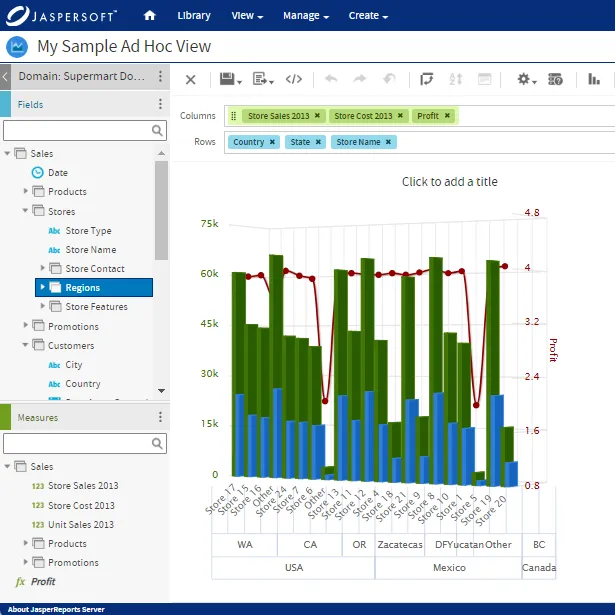
Try Jaspersoft - Free Trial
Efficiently design, embed, and distribute reports and dashboards at scale with Jaspersoft.
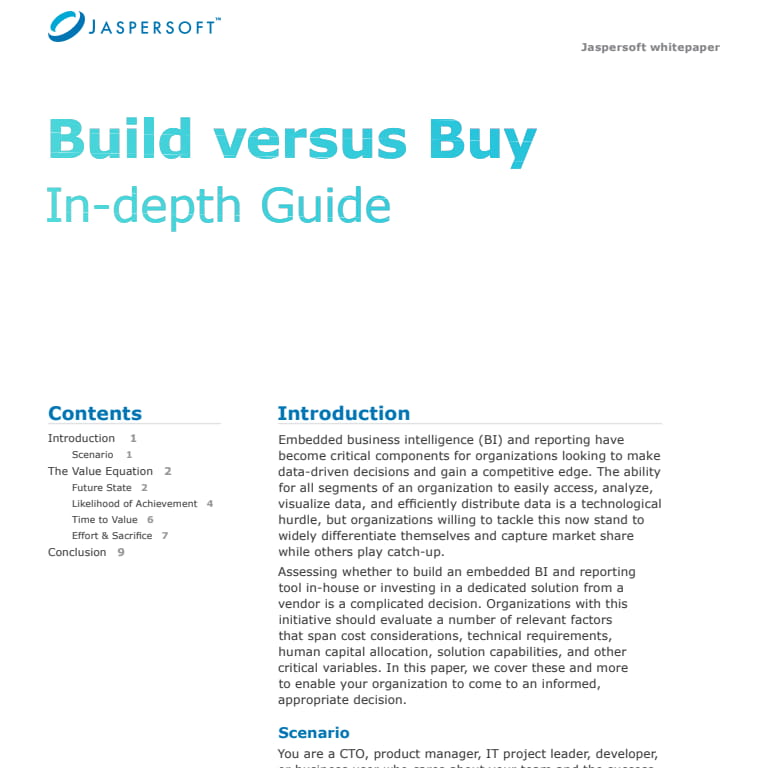
Build versus Buy: An In-depth Guide
This whitepaper provides a framework for the decision-making process and critical trade-offs between building or buying an embedded BI and reporting tool.
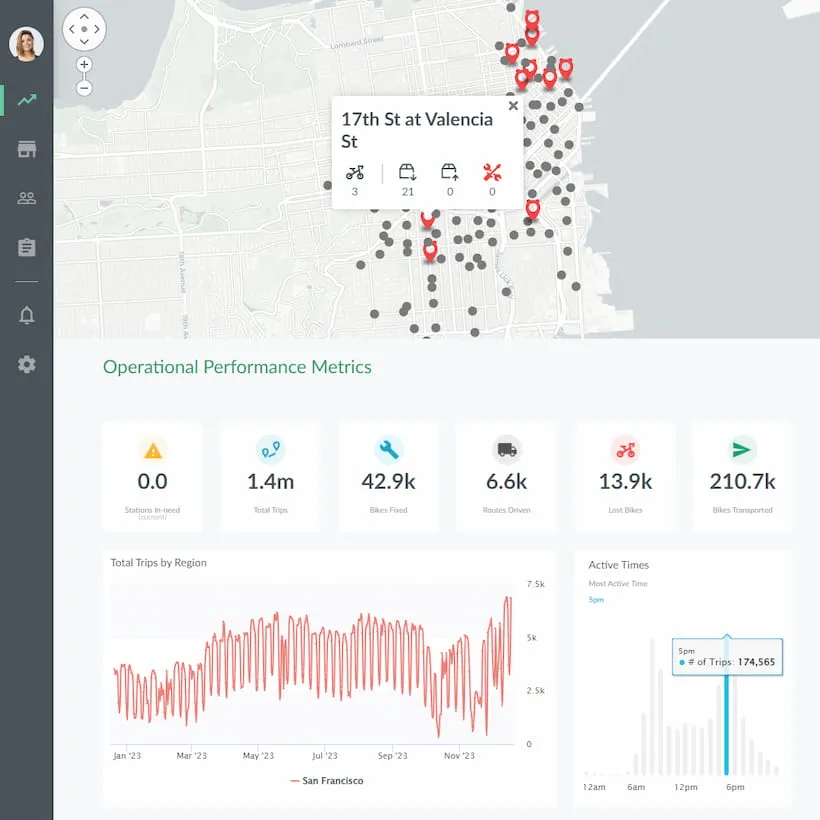
Interactive demo: Bikeshare Embedded BI, supported by Jaspersoft
Experience how to turn data into valuable insights that you and your customers can use to make better decisions.
