



Real business report examples that drive smarter decisions

Business reports are more than a compilation of data and information. They provide insights in an organized manner so that teams can easily interpret findings, spot issues early, and make informed decisions. But not all business reports are the same. Some may not be as insightful as others. While some reports might inform and empower teams, others may overwhelm or even confuse them. That’s why it’s crucial to understand what exactly it takes to create a powerful business report.
This guide will examine real business report examples, including the key elements a good report should have, and how reporting tools like Jaspersoft can simplify report creation. Let’s dive in.
What is a business report and why it matters
A business report is a document that organizes important data, findings, and recommendations about an organization into a format that helps stakeholders understand what’s happening and what needs to happen next. Depending on the intended end user, a business report can be formal or informal. However, its core purpose is always the same — to communicate information in the most effective way to an audience and inspire action.
Business reports compile pieces of data giving context to an organization’s performance, reducing the guesswork that slows decision-making. Delivering reports in an organized and precise manner to stakeholders also improves alignment across teams, reduces back-and-forth clarification, and builds confidence in the actions that follow in an organization.
Key components of an effective business report
Not every business report is made equal. A strong, effective report tends to have several common components across industries:
- Title page: A clear title page helps set the context. Depending on the type of report, this can include time frames, department names, project information, or source systems.
- Table of contents: This brief overview helps the end user quickly find information in the report, especially if it is lengthy or covers multiple topics. It also allows time-pressed executives to navigate directly to the insights that matter to them, bypassing information that isn't relevant to their immediate needs.
- Executive summary: This is where the key findings land. This section must tell a compelling story. It should answer the “so what?” for leadership by connecting data points to business outcomes. It should highlight a clear cause-and-effect narrative and present a prioritized list of actions tied to strategic goals.
- Findings and data sections: The goal of this section is to move from raw data to a clear, evidence-based narrative. It should annotate surprises and anomalies, compare performance against benchmarks or targets, and use visual hierarchy to draw the eye to the most significant takeaways.
- Recommendations: This section connects the insights to actions. It should, therefore, be specific, actionable, and owned. The most effective reports assign clear accountability, outline expected impact (e.g., “expected to reduce customer churn by 5 percent”), and may even include a proposed timeline or next steps, transforming insight into an execution-ready plan.
Standard vs custom business reports
Standard reports are the recurring, widely used formats most companies rely on. They follow consistent structures, track the same metrics over time, and are usually tied to core business functions like finance, sales, and operations. Their strength is that they’re easy to reproduce, compare across periods, and interpret. As for the trade-off, they can sometimes feel rigid because they don’t always adapt well to new questions or evolving strategies.
Custom reports, on the other hand, are tailored to specific business questions, teams, or scenarios. They let organizations slice data differently, mix datasets, or surface insights that fall outside a standard template. This flexibility makes them valuable for teams navigating complex environments, testing new strategies, or exploring early signals before they become key performance indicators (KPIs). The only downside of custom reporting is that it takes more effort to design and maintain.
Here’s a detailed summary to help you compare the two:
How to create a business report that delivers insights
Creating business reports that are both informative and actionable doesn’t just happen by luck. It’s a process that requires a lot of thought and effort. Here’s a step-by-step approach you can leverage to create PDF reports and any other reports you may need:
- Define the objective or purpose: What key decision should this report inform? Every element should serve this goal.
- Gather and validate data: Pull data from reliable sources, then ensure it’s accurate, complete, and clean.
- Choose a structure and template: Use a logical flow and consistent, branded business report templates. This is where tools with strong custom reporting capabilities, like Jaspersoft, shine, as they allow teams to create a standard look and feel.
- Use visuals: Don’t just present data; interpret it. Use the right charts for the story you’re telling. For instance, you can use line charts for trends, while bar charts can help visualize comparisons.
- Customize for different stakeholder groups: It’s best to create multiple versions of a report with different depths of detail, depending on who will use it.
Enhancing business reports with embedded analytics
The effectiveness of business reports depends on their layout as well as the right and timely distribution. That’s why embedding reports directly into the applications that teams already use is vital. Embedded analytics speeds up decision-making and simplifies risk management, boosting overall organizational efficiency.
Jaspersoft allows teams to experience interactive reporting, which includes actions like filtering, sorting, changing formats, string search, and moving or hiding columns. It also supports pixel-perfect reporting for regulatory requirements, self-service reporting, multi-tenancy, and different report formats.
If you’re ready to move from generic business report examples to creating precise, powerful reports, Jaspersoft can help. Give it a try for free for the first 30 days.
Ready to give it a spin?
Start your 30-day trial now.

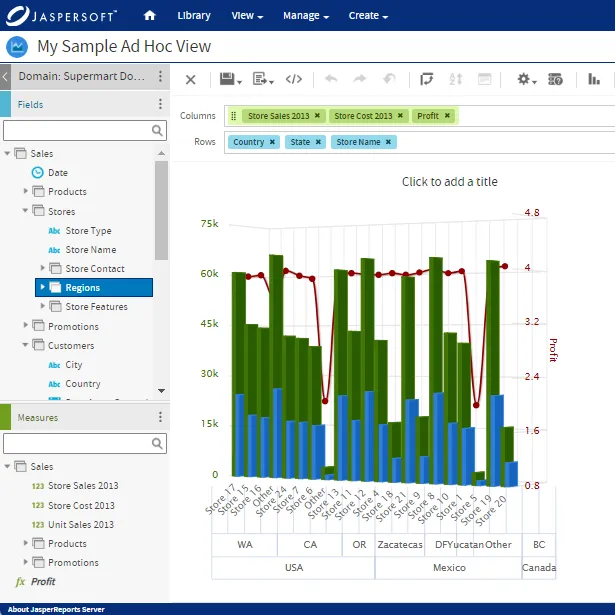
Try Jaspersoft - Free Trial
Efficiently design, embed, and distribute reports and dashboards at scale with Jaspersoft.
Build versus Buy: An In-depth Guide
This whitepaper provides a framework for the decision-making process and critical trade-offs between building or buying an embedded BI and reporting tool.
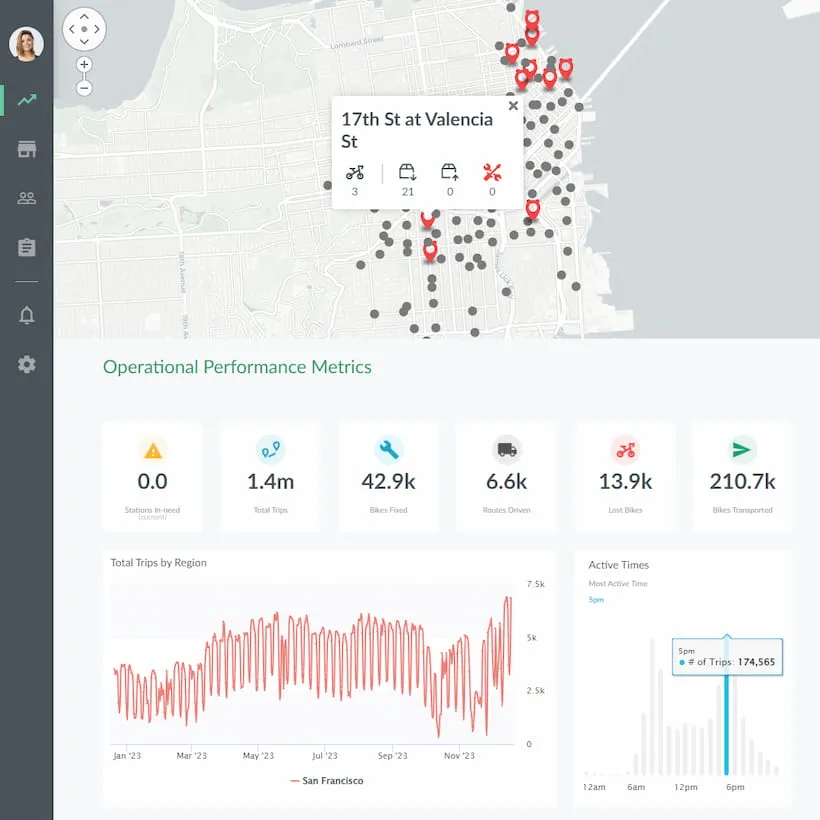
Interactive demo: Bikeshare Embedded BI, supported by Jaspersoft
Experience how to turn data into valuable insights that you and your customers can use to make better decisions.
